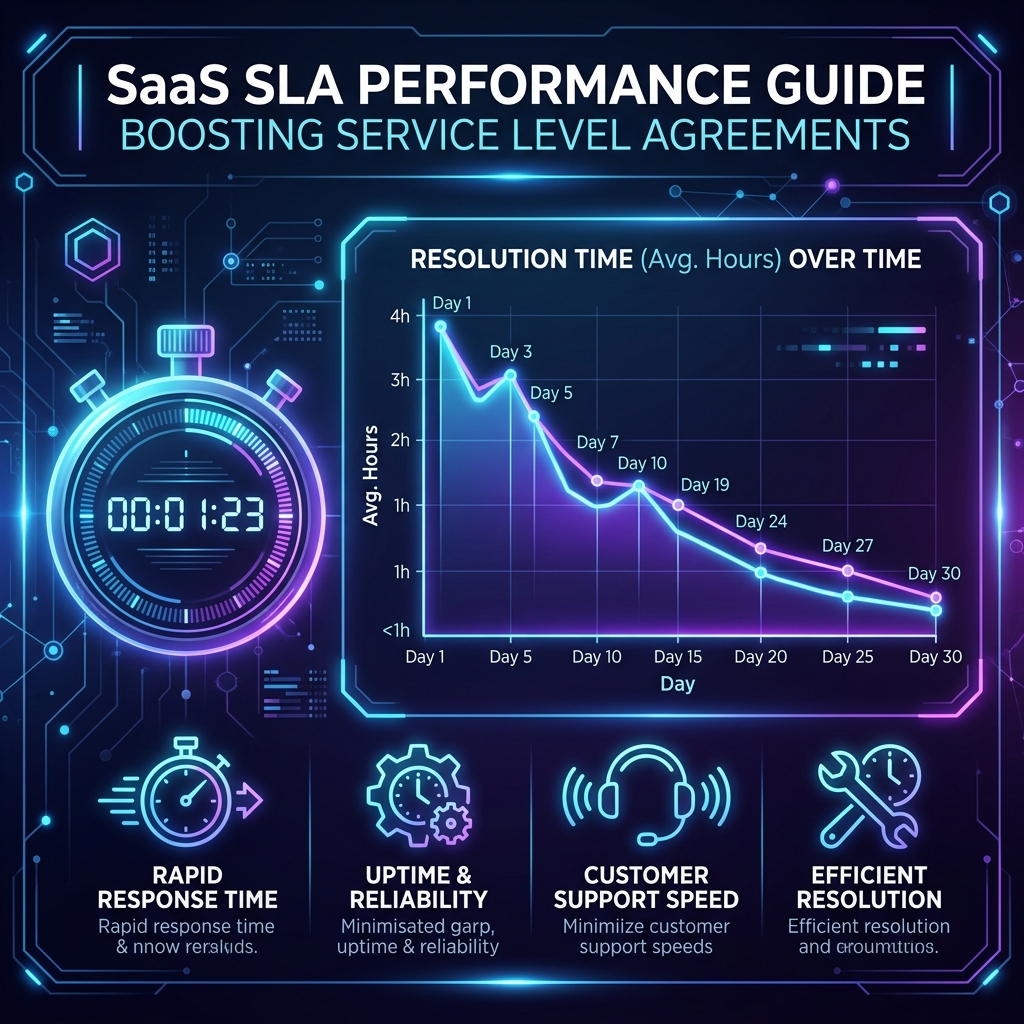
In SaaS support, a Service Level Agreement (SLA) is often viewed as a legal chore negotiated by the sales team to close enterprise deals. In reality, an SLA is the resource allocation engine of your support organization. It dictates how your queue is prioritized, when your agents work, and how much headcount you need to hire.
If you design your SLAs poorly, you will either default on your contract obligations (leading to financial penalties/refunds) or burn out your support team trying to hit unrealistic response targets.
Here is how to design and structure a SaaS SLA that protects your revenue and your team’s sanity.
Never promise SLA targets on metrics you cannot directly control.
                                 SLA METRICS
                                      │
         ┌────────────────────────────┼────────────────────────────┐
         ▼                            ▼                            ▼
+------------------+         +------------------+         +------------------+
|    FIRST RESPONSE|         |     NEXT RESPONSE|         |    TOTAL TIME TO |
|     TIME (FRT)   |         |      TIME (NRT)  |         |  RESOLUTION (TTR)|
| Time until the   |         | Max time between |         | Total time to    |
| first human response       | subsequent updates        | resolve the issue|
+------------------+ +------------------+ +------------------+Never offer a single SLA to all customers. Segment your response times based on account value and the severity of the issue.
| Issue Severity | Tier 3 (Free / Self-Serve) | Tier 2 (Growth / Pro) | Tier 1 (Enterprise / VIP) |
|---|---|---|---|
| Urgent (L1) Platform down, billing blocked | Best Effort (No contract) | 4 Business Hours | 1 Calendar Hour (24/7/365) |
| High (L2) Core feature broken, workaround exists | Best Effort | 8 Business Hours | 4 Business Hours |
| Normal (L3) Minor bug, UI glitch, how-to question | Best Effort | 24 Business Hours | 12 Business Hours |
| Low (L4) Feature request, minor documentation error | No SLA | Best Effort | 24 Business Hours |
To prevent your team from missing targets, implement these strict operational boundaries in your ticketing system:
The SLA timer should only run when the ball is in your team’s court. Your helpdesk must be configured to pause the SLA clock when a ticket status is changed to:
priority_vip, tier_enterprise) immediately upon ticket creation based on the customer’s domain or Salesforce account status.