Choosing a helpdesk is one of the most high-friction decisions a support leader will make. Once you choose, migrate data, and train your agents, the switching costs are massive.
Software companies love to market sleek user interfaces and promises of AI deflection. This guide bypasses the marketing fluff and analyzes the real-world operational trade-offs, pricing traps, and scaling limits of the three market leaders: Zendesk, Help Scout, and Freshdesk.
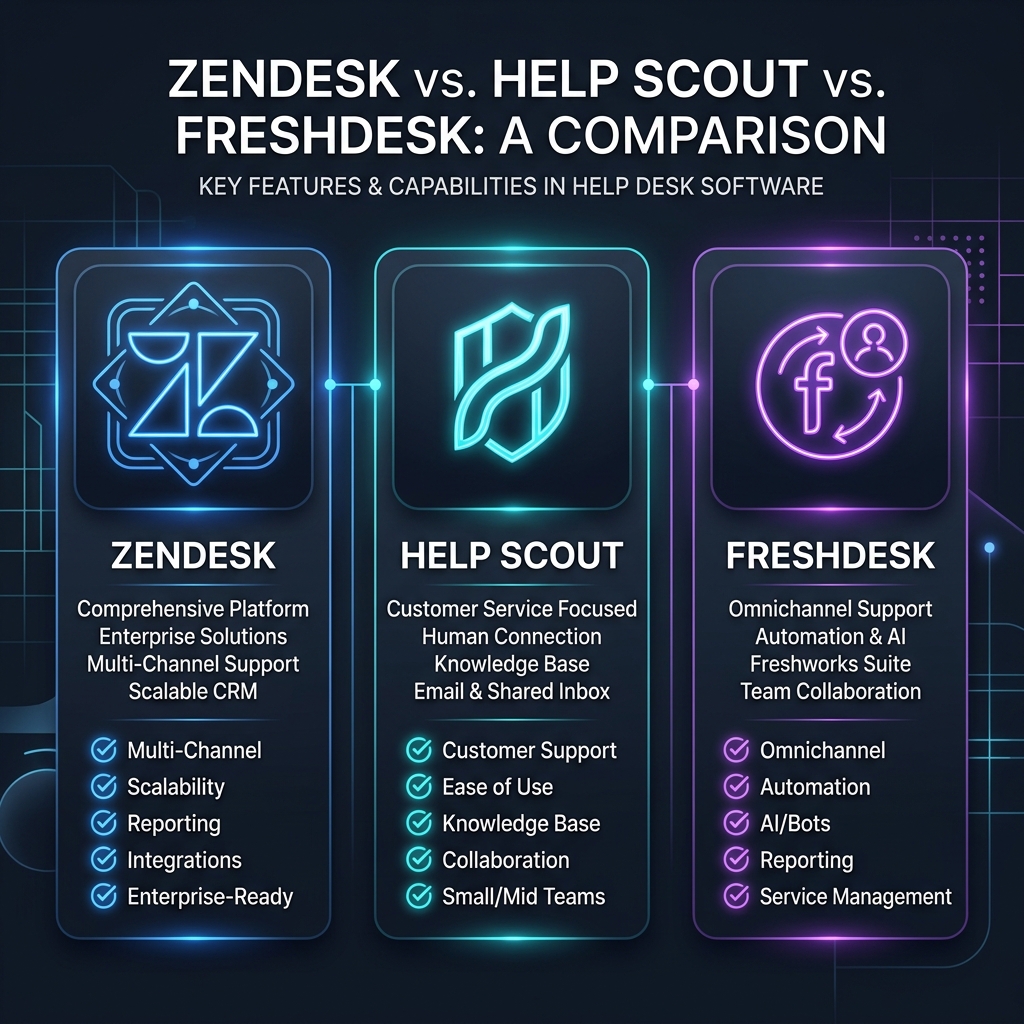
Each of these platforms was built with a specific organizational philosophy. If you buy the wrong one, you will fight the tool’s architecture daily.
+-------------------------------------------------------------------+
|                           ZENDESK                                 |
| The Enterprise Powerhouse. Built for scale, custom databases,     |
| and complex multi-brand routing. If you have 50+ agents and a    |
| dedicated system administrator, this is your operating system.   |
+-------------------------------------------------------------------+
                                  │
                                  ▼
+-------------------------------------------------------------------+
|                         HELP SCOUT                                |
| The Customer-First Inbox. Built to look and feel like a personal |
| email to the end-user. Minimalist interface, short learning curve. |
| Best for teams under 30 agents prioritizing human touch.          |
+-------------------------------------------------------------------+
                                  │
                                  ▼
+-------------------------------------------------------------------+
|                         FRESHDESK                                 |
| The Mid-Market Bridge. Feature-rich and modular. It mimics       |
| Zendesk's power but at a lower price point. Best for growing      |
| teams that need automation but lack enterprise budgets.           |
+-------------------------------------------------------------------+| Operational Vector | Zendesk (Suite Professional) | Help Scout (Plus) | Freshdesk (Pro) |
|---|---|---|---|
| Primary UI Vibe | Database/Ticket Viewer | Shared Collaborative Email Inbox | Ticket Ticketing System |
| Learning Curve | High (Requires dedicated admin) | Low (Minutes to train) | Moderate (Days to train) |
| Automation Engine | Extremely Powerful (Triggers/Targets) | Moderate (Simple if/then workflows) | Powerful (Observer/Dispatch rules) |
| Reporting & BI | Excellent (Zendesk Explore - steep curve) | Good (Basic, clean dashboards) | Very Good (Custom drag-and-drop) |
| API & Extensibility | Industry Standard (Infinite integrations) | Good (Clean REST API, basic hooks) | Very Good (Large marketplace) |
| Hidden Admin Costs | High (Expect to hire a developer/consultant) | Zero | Low |
Every vendor has limitations that their sales teams won’t mention. Here is where these platforms break down at scale.
Zendesk is a database first, and a communication tool second.
Help Scout does an incredible job of making support feel like a personal email. However, it is not built for complex ticket management.
Freshdesk positions itself as the affordable, friendly alternative to Zendesk.
Never look at just the base seat price. Here is how your monthly bill actually accumulates: